
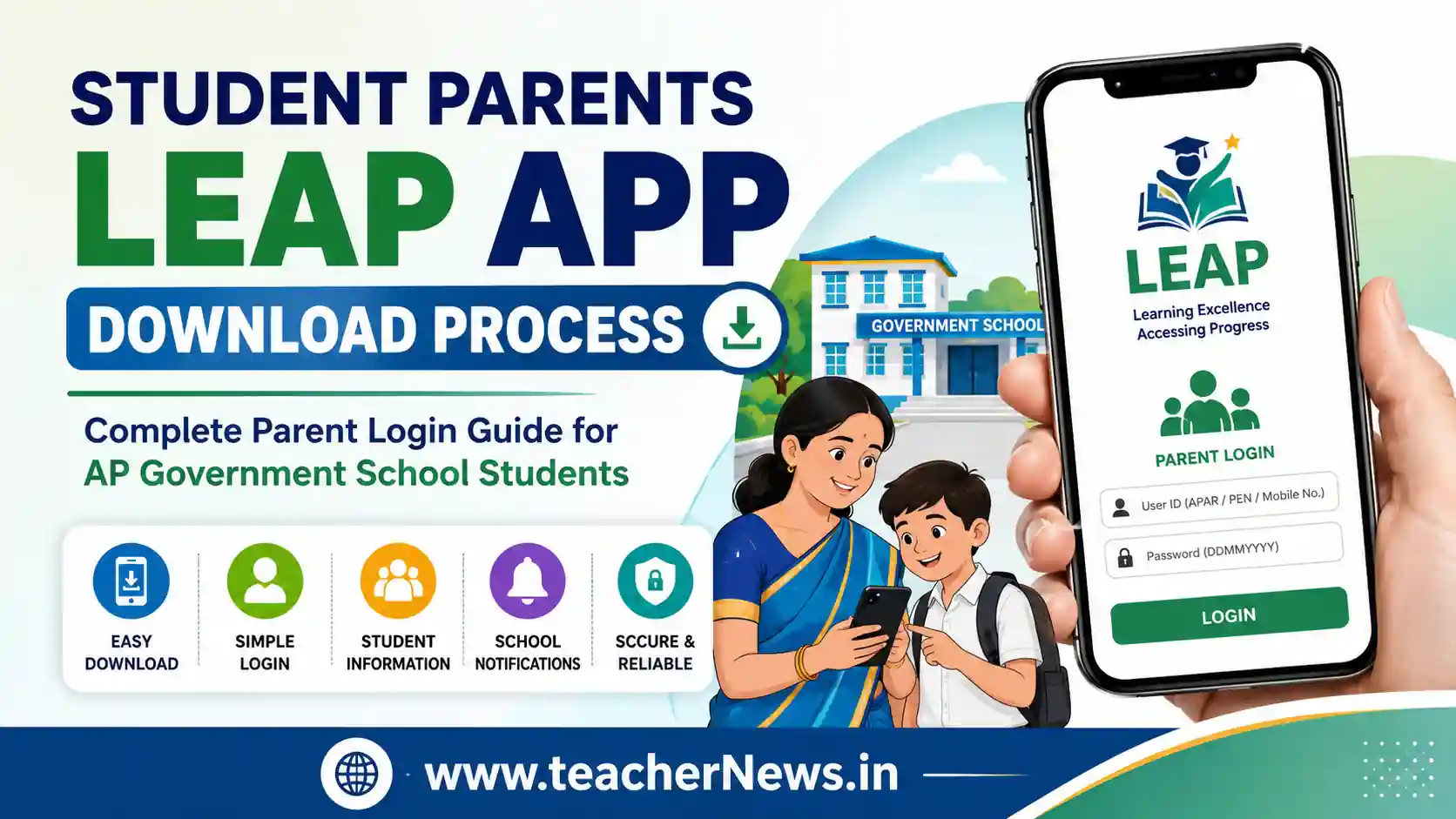
Student Parents LEAP App Download Process 2026 – Complete Parent Login Guide for Government School Students
The Student Parents LEAP App Download Process has become an important requirement for parents of students studying in AP Government schools. School education authorities are encouraging all parents to install the LEAP App so that student-related information can be communicated directly through the mobile application. This digital communication system helps parents stay updated about attendance, academic details, announcements, and school-related notifications in a simple and convenient way.
Student Parents LEAP App Download Process is especially useful for parents who want instant access to their child’s educational information without depending entirely on school visits or manual updates. Government schools are moving toward app-based communication, making it essential for every parent to complete LEAP App installation and login. In this TeacherNews guide, we explain the complete Student Parents LEAP App Download Process with step-by-step instructions, login details, troubleshooting tips, and official usage guidance.
📢 Join Our Official Channels for Daily Updates
📱 Join WhatsApp Channel 🚀 Join Telegram ChannelGet daily TeacherNews updates directly on your mobile.
The LEAP App is designed to strengthen communication between schools and parents. Once parents install the app and log in successfully, they can access student details, important updates, and future digital notifications directly from the education department ecosystem.
What is the Student Parents LEAP App Download Process?
Student Parents LEAP App Download Process refers to the official method by which parents of government school students install the LEAP mobile application, log in using approved credentials, and access their child’s educational profile.
This initiative helps improve:
- Parent-school communication
- Student information access
- Digital educational transparency
- Notification delivery
- Future school communication systems
Why Parents Must Install the LEAP App?
Education authorities are encouraging schools to ensure that all student parents install the LEAP App.
Main reasons include:
- Direct communication with parents
- Easy access to student details
- Academic progress monitoring
- Attendance-related updates
- School announcements
- Digital parent engagement
Future communication systems may depend heavily on LEAP App login access.
Who Should Complete the Student Parents LEAP App Download Process?
This process is intended for:
- Parents of government school students
- Guardians of enrolled students
- Families using Android smartphones
- School administrators guiding parents
- Teachers assisting parents onboarding
LEAP App System Requirement
Before starting the Student Parents LEAP App Download Process, parents should verify minimum device compatibility.
Required Device Specifications
- Android smartphone
- Android Version 10 or above
- Internet connection
- Valid student login credentials
Older devices may experience installation issues.
Step-by-Step Student Parents LEAP App Download Process
Step 1 – Open Google Play Store
On the parent’s Android mobile phone, open the Google Play Store application.
Search for:
LEAP App
Download the official application.
Step 2 – Install LEAP App
Tap the Install button and wait for installation to complete.
Ensure enough storage space is available.
Step 3 – Open the LEAP App
After installation, open the app.
The login screen will appear.
LEAP App Login Credentials
Parents can log in using approved student credentials.
Accepted User ID Options
- Student APAR ID
- Student PEN Number
- Registered Mobile Number
Password Format
Password should be the student’s Date of Birth in:
DDMMYYYY
Example:
If DOB is 15 August 2014:
15082014
Student Parents LEAP App Download Process is becoming essential for parents connected with government school education systems because future communication, student updates, academic notifications, and parent interaction may increasingly shift toward app-based digital access. Completing the Student Parents LEAP App Download Process ensures parents stay informed about student information, attendance records, school communication, and education department notifications without delays.
How to Access Student Details in the LEAP App?
After logging in, parents can navigate inside the application.
Student Option
Inside the app, select the Student section.
Parents may see:
- Student profile details
- School information
- Attendance updates
- Communication messages
- Academic details
- Future digital services
Important Instruction for Headmasters and Teachers
Schools are being instructed to ensure maximum parent onboarding.
Teachers should guide parents to:
- Install LEAP App
- Complete login successfully
- Use correct credentials
- Access the student dashboard
Common LEAP App Installation Issues
Issue 1 – App Not Installing
Possible reasons:
- Old Android version
- Low storage
- Internet connectivity issue
Issue 2 – Login Failure
Possible reasons:
- Wrong APAR ID
- Incorrect PEN number
- Wrong mobile number
- Incorrect DOB password
Internal Helpful Links
Official External DoFollow Resources
Benefits of Student Parents LEAP App Download Process
Student Parents LEAP App Download Process offers multiple advantages for parents, students, teachers, and schools. The education system is increasingly moving toward digital communication, making this app an important bridge between school administration and families.
- Instant parent-school communication
- Easy access to student records
- Quick academic notifications
- Attendance monitoring support
- Future digital education updates
- Reduced dependency on manual communication
- Faster information sharing
Student Parents LEAP App Download Process for First-Time Users
If parents are using the LEAP App for the first time, the Student Parents LEAP App Download Process should be completed carefully to avoid login issues.
Checklist Before Login
- Android version 10 or above
- Stable internet connection
- Correct APAR ID / PEN / mobile number
- Student Date of Birth in DDMMYYYY format
- Updated Google Play Store access
How Teachers Can Help Parents Complete LEAP App Installation
Teachers play a major role in successful parent onboarding.
Schools may guide parents through:
- WhatsApp awareness messages
- Parent meetings
- Printed login instructions
- School help desk support
- Live demo sessions
Student Parents LEAP App Download Process Security Tips
Parents should follow basic security practices while using the LEAP App.
- Use only the official LEAP App source
- Do not share student login credentials publicly
- Verify mobile number accuracy
- Update the password if the official system allows
- Avoid third-party fake apps
Student Parents LEAP App Download Process Troubleshooting Guide
Problem: Password Not Working
Solution:
- Recheck the Date of Birth format
- Use DDMMYYYY only
- Avoid spaces or symbols
Problem: APAR ID Not Accepted
Solution:
- Confirm the student’s APAR ID from the school records
- Cross-check typing accuracy
Problem: Mobile Number Login Issue
Solution:
- Use a registered student-linked number
- Verify school data accuracy
Problem: App Crashing
Solution:
- Update Android software
- Clear cache
- Reinstall LEAP App
Why Government Schools Are Promoting the LEAP App?
The main purpose behind promoting the Student Parents LEAP App Download Process is better digital parent engagement.
Expected long-term uses include:
- Student communication alerts
- Academic updates
- Administrative notifications
- Parent participation improvement
- Digital governance support
Practical Example for Parents
Suppose a parent wants to monitor student information quickly.
They can:
- Install LEAP App
- Log in with APAR ID
- Enter DOB password
- Open Student section
- View available details
This makes communication much easier compared to traditional manual methods.
Frequently Asked Questions (FAQs)
1. What is the Student Parents LEAP App Download Process?
The Student Parents LEAP App Download Process is the official method for parents to install the LEAP App, log in using student credentials, and access educational information.
2. Which login ID can parents use in the LEAP App?
Parents can use the Student APAR ID, PEN number, or registered mobile number for login, depending on system acceptance.
3. What password should parents use for the LEAP App login?
The password should generally be the student’s Date of Birth in DDMMYYYY format.
4. Is the LEAP App available for all phones?
The app is mainly intended for Android devices, preferably Android version 10 or above as per current guidance.
5. Where can parents download the LEAP App?
Parents can download the official LEAP App from the Google Play Store.
ConclusionThe
Student Parents LEAP App Download Process is an important digital step for parents of government school students. Installing the LEAP App helps families stay connected with school communication, student records, and future education updates. Parents should complete the installation early and use the correct login credentials for smooth access.


