AP Teachers Increment Mobile Software 2026 – Calculate Annual Grade Increment Online
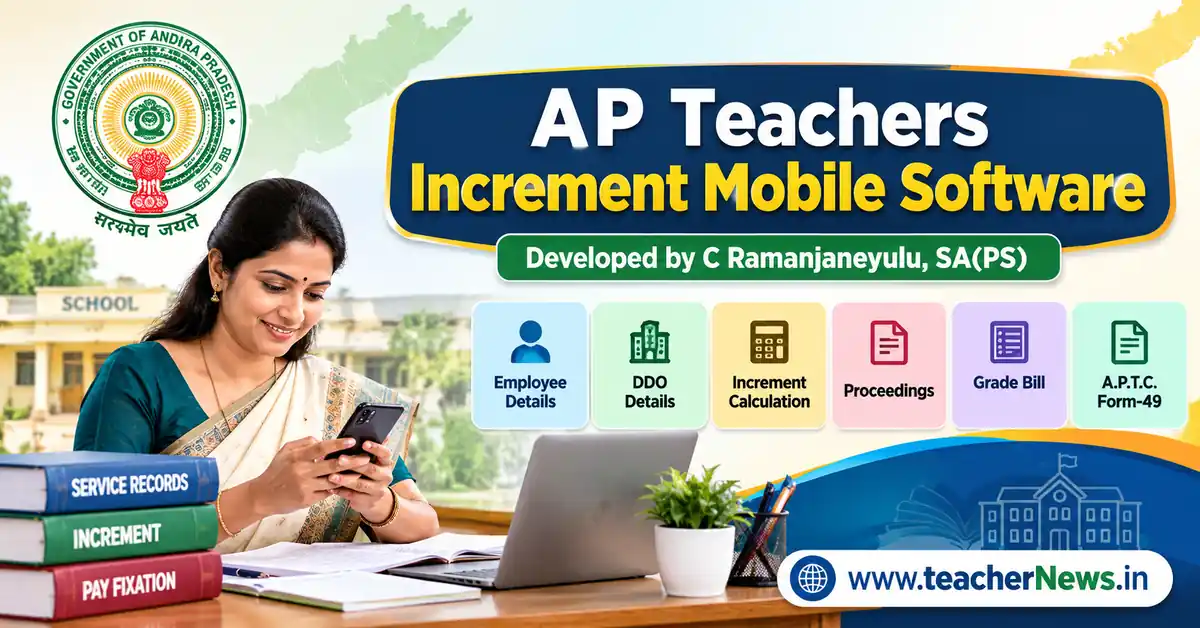
AP Teachers Increment Mobile Software 2026 is a convenient online tool for Andhra Pradesh teachers and government employees who need to calculate their annual grade increment and prepare increment-related documents. Instead of manually entering the same employee particulars into different formats, users can enter the required details in one place and use the available calculation and document options. This page on TeacherNews.in provides access to the increment software through a WordPress shortcode.
The AP Teachers Increment Mobile Software 2026 is intended to make routine increment-related work easier for teachers, Headmasters, and Drawing and Disbursing Officers (DDOs). Users can enter employee particulars, DDO details, present basic pay, scale of pay, increment date, and other required salary information. The software page provides options for calculating an increment and preparing printable documents. Always verify the calculated pay, applicable pay scale, and proceedings with the relevant official records before using them for administrative or treasury purposes.
📢 Join Our Official Channels for Daily Updates
📱 Join WhatsApp Channel 🚀 Join Telegram ChannelGet daily TeacherNews updates directly on your mobile.
What Is AP Teachers Increment Mobile Software?
Annual Grade Increment (AGI) is an important salary and service-record matter for eligible government employees. Preparing the related proceedings and maintaining accurate details can take time when every document is drafted manually. AP Teachers Increment Mobile Software is designed to help users enter employee information and organise increment-related calculations and document preparation in a single online interface.
The tool is useful as a preparation aid, but it does not replace an official sanction order, service-register verification, or the applicable government rules. The competent authority must confirm eligibility, the due date, the approved pay stage, and the final proceedings. Users should not treat an automatically generated document as an official approval until it has been checked and authorised.
AP Teachers Increment Mobile Software 2026 – Main Features
- Employee particulars: Enter the employee’s name, designation, department, school or office, working place, joining details, and employee identification information.
- DDO particulars: Enter the authority or proceedings details, DDO name, office name, district, and proceedings reference details.
- Basic pay selection: Choose the applicable basic pay stage from the values available in the software.
- Scale of pay: Select the relevant scale and verify it against the employee’s approved pay records.
- Increment calculation: Use the calculation option to prepare the proposed increment details from the entered information.
- Next increment details: Enter or check the next increment month and year as applicable to the employee’s case.
- Salary inputs: Enter the applicable DA, HRA, and PF/CPS details supported by the form.
- Printable documents: Use the available options for proceedings, Annual Grade Increment Bill and A.P.T.C. Form-49.
- Mobile-friendly access: Open the page on a compatible mobile browser or desktop browser.
Features and output depend on the current version of the software. Before relying on any result, check that the correct fields are available and that the calculation follows the rules applicable to the employee.
Use the software below:
How to Use AP Teachers Increment Mobile Software
Step 1: Enter Employee Details
Open the software form and enter the employee particulars carefully. These may include the employee’s title, name, designation, date of joining the present cadre, department, school name, working place, mandal, district, qualification, and Treasury ID or Employee ID. Use the information recorded in official service documents. Check spelling and identification details before moving to the next section.
Step 2: Enter DDO Details
Enter the name of the proceedings authority, DDO title, DDO name, office name, Head Office or place, district, and qualification where requested. Provide the proceedings number and proceedings date accurately. These details are important because they may appear in the generated proceedings and other print formats. Confirm the correct signing authority and office particulars before printing.
Step 3: Enter Salary Details
Select the basic pay on the increment date and the applicable scale of pay. Enter the approved fixed basic pay after increment if the form requests it. Select the next increment month and year, applicable HRA percentage, DA percentage, PF or CPS option, and bill-prepared month. Do not select a pay stage merely because it appears in the dropdown; compare it with the employee’s current pay particulars and applicable rules.
Step 4: Calculate and Review the Result
Click the Calculate Increment button after entering the required information. Review the present basic pay, increment amount, future basic pay, and next increment date shown by the software. If a value appears incorrect, check the selected scale, basic pay, increment date, and other inputs. Correct any errors before preparing the documents.
Step 5: Print the Required Documents
Use the available document buttons to prepare the increment proceedings, Annual Grade Increment Bill or A.P.T.C. Form-49. Preview each document before printing. Choose the browser’s print option to print on paper or save a PDF, where supported. Check page breaks, employee details, pay figures, signatures and dates. Keep a copy for reference according to your office procedure.
AP Employees Rate of Increment in Master Scale – PRC Reference
The following master-scale sequence has been provided as a reference for this article. It is reproduced for convenient comparison and should not be treated as independent confirmation of a newly issued PRC 2026 Government Order. Before using these figures for pay fixation, verify the applicable official pay-scale order and the employee’s sanctioned scale.
| Pay Stage / Increment Sequence |
|---|
| 20000 – 600 – 21800 – 660 – 23780 – 720 – 25940 – 780 – 28280 – 850 – 30830 – 920 – 33590 – 990 – 36560 – 1080 – 39800 – 1170 – 43310 – 1260 – 47090 – 1350 – 51140 – 1460 – 55520 – 1580 – 60260 – 1700 – 65360 – 1830 – 70850 – 1960 – 76730 – 2090 – 83000 – 2240 – 89720 – 2390 – 96890 – 2540 – 104510 – 2700 – 112610 – 2890 – 121280 – 3100 – 130580 – 3320 – 140540 – 3610 – 154980 – 3900 – 170580 – 4210 – 179000 |
Important: The sequence above is supplied as a reference, not as a substitute for the complete official scale table. The scale contains pay stages and increment amounts; users must match the correct stage and scale to the employee’s post and applicable orders. Do not calculate or sanction an increment solely from this sequence without verification.
Why Accurate Employee and Pay Details Matter
Even a small data-entry mistake can affect a proposed increment calculation or the printed document. For example, an incorrect basic pay stage may produce an incorrect future pay figure. An incorrect increment date may affect the displayed next increment date. A wrong proceedings number, office name or employee ID can also make a document unsuitable for official use.
Before generating the final documents, compare the details with the Service Register, previous pay-fixation proceedings, current salary records and applicable government instructions. If the employee’s case involves a special pay-fixation situation, a disputed date or another exception, obtain guidance from the competent office instead of relying only on the online tool.
AP Teachers Increment Mobile Software – Official Rules and Verification
Software can help organise routine work, but eligibility and pay fixation must be decided under the applicable government rules and orders. Teachers and DDOs should confirm the relevant instructions through official government sources before approving a proceeding or submitting a bill. The Andhra Pradesh Finance Department website provides finance-related information and government resources.
Official reference: Andhra Pradesh Finance Department. Users can also refer to the relevant service rules and official proceedings issued by the competent department. An online article or calculator should not be considered a replacement for the latest applicable Government Order.
Related TeacherNews Software and Resources
TeacherNews provides additional resources for teachers and employees who need increment-related documents or other service-matter tools. Visit the related pages below for more information.
- AP and Telangana Teachers Annual Grade Increment Software – related AGI software information and proceedings resources.
- TG Teachers Increment Proceeding Software – increment proceedings information for Telangana teachers and employees.
- Teachers AAS Software 2026 – information about Automatic Advancement Scheme resources.
- AP Annual Grade Increment Proceeding Forms – related employee particulars and increment-form information.
If a Google Drive download link is provided in the relevant software resource, open that link and check the file name, version, and access permissions before downloading. Do not assume that every related online tool is the same as the shortcode-based software embedded on this page.
Mobile and Printing Tips
- Use an updated browser and a stable internet connection while opening the software page.
- Enter dates and numbers in the format requested by the form.
- Review all three sections—Employee Details, DDO Details, and Salary Details—before calculating.
- For printing, use the browser print dialog and select Save as PDF if available.
- If the page displays raw code instead of the form, do not enter employee data. Check that the shortcode is placed in the page content and the corresponding PHP snippet is active.
- Keep employee information private, especially Treasury ID and other personal service details.
Conclusion
AP Teachers Increment Mobile Software on TeacherNews.in is intended to make increment-related data entry, calculation review and document preparation more convenient. Teachers and office staff can use the form to enter employee details, DDO particulars and salary information, then review the available proceedings and print options. Always verify the final figures, applicable pay scale and document format with official service records and the competent authority before using the output for approval or bill submission.
Frequently Asked Questions (FAQs)
1. What is AP Teachers Increment Mobile Software?
AP Teachers Increment Mobile Software is an online form on TeacherNews.in designed to help users enter employee and DDO details, review annual increment calculations, and prepare available increment-related documents.
2. How do I open the increment software?
Visit this page on TeacherNews.in and use the embedded software form. If the form does not appear, refresh the page and check that the shortcode is being processed by the active WordPress PHP snippet.
3. Can I use the software on a mobile phone?
You can open the page in a mobile browser. For best results, enter the details carefully and use the browser’s print or Save as PDF option if your device supports it.
4. Does the software generate increment proceedings and Form-49?
The current form provides options for increment proceedings, Annual Grade Increment Bill, and A.P.T.C. Form-49. Review each generated document and verify its details before official use.
5. Are the calculated pay and increment details automatically approved?
No. The software output is a preparation aid. The applicable pay scale, eligibility, increment date, and final documents must be verified with official records and approved by the competent authority.
Disclaimer: This tool and article are provided for assistance and information. Government rules, pay scales, and procedures may change. Confirm the latest applicable official orders and employee records before making any financial or service-related decision.