How to Add Anganwadi Teachers and workers in Biometric Divicess. Anganwadi Teachers and workers Biometric ID Syncing Process in Tab. AP Government of School Education Anganwadi Teachers, Helpers ID Numbers added in Biometric Divices.
(adsbygoogle = window.adsbygoogle || []).push({});
Contents
show
📢 Join Our Official Channels for Daily Updates
📱 Join WhatsApp Channel 🚀 Join Telegram ChannelGet daily TeacherNews updates directly on your mobile.
How to Add Anganwadi Teachers and workers in Biometric Tab
 |
| How to Add Anganwadi Biometric |
ANGANWADI Teachers and workers seven Digit ID Numbers Already insert in our Biometric Attendance Tabs. Now Available Anganwadi Staff ID and Names in Our Biometric Attendance Divices.
How to know Anganwadi Teachers, Helpers ID Numbers
- Open Biometric Attendance Divice
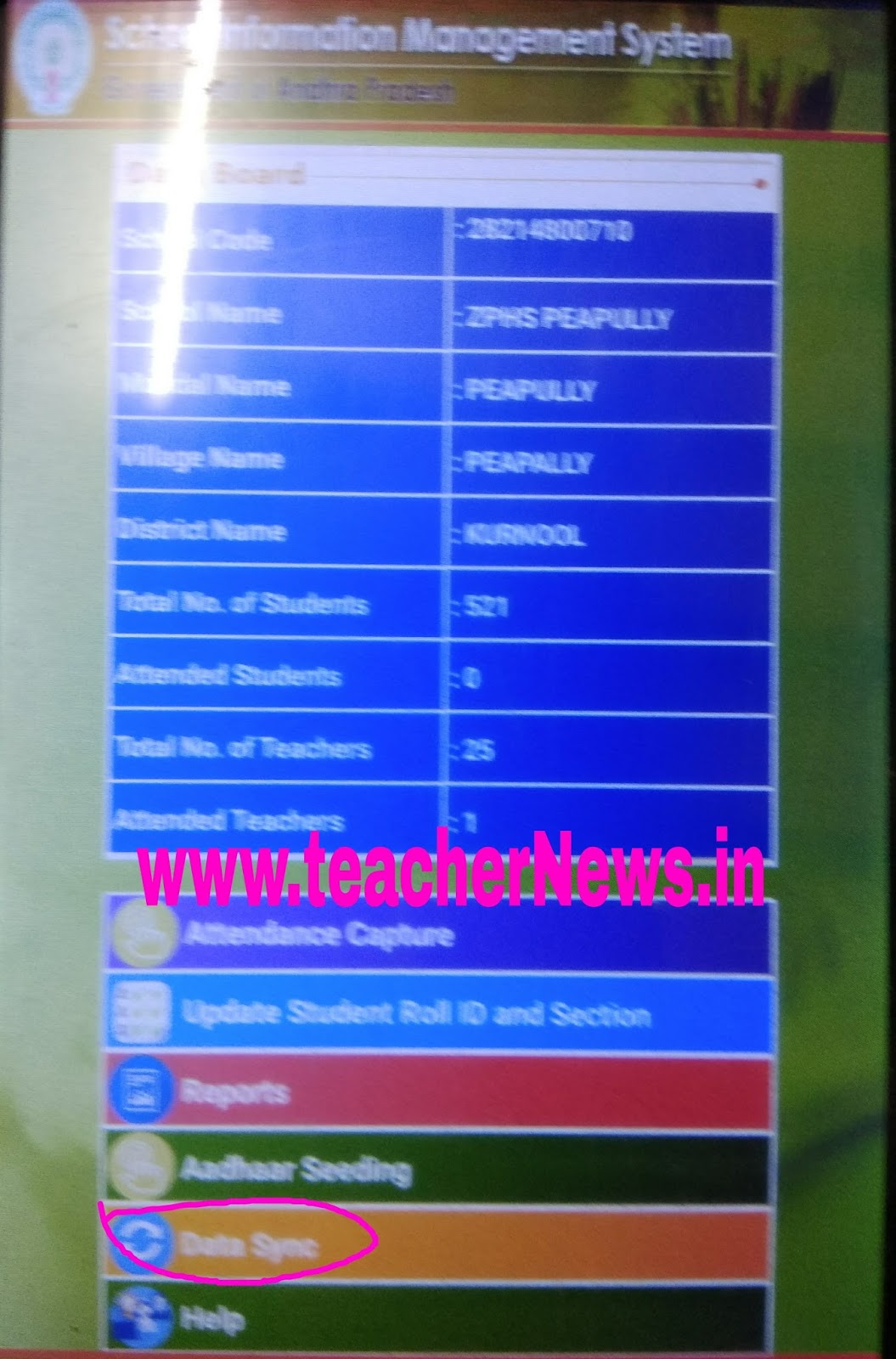
- Click on Data Synchronize
- Download Teachers Masters
- Download Dashboard
- Check After Data Syn. Report column
- Anganwadi Teachers and workers ID Numbers shown
Example ID Number : A012345
(adsbygoogle = window.adsbygoogle || []).push({});
Completion of above Process, Next Our school tab is ready for biometric attendance for Anganwadi staff.